


Device Care Tips

Learn practical tips to extend the life of your smartphones, tablets, laptops, gaming consoles, and other electronic devices.

Essential Device Care Tips

Simple maintenance habits can improve performance, extend device lifespan, and help prevent costly repairs.

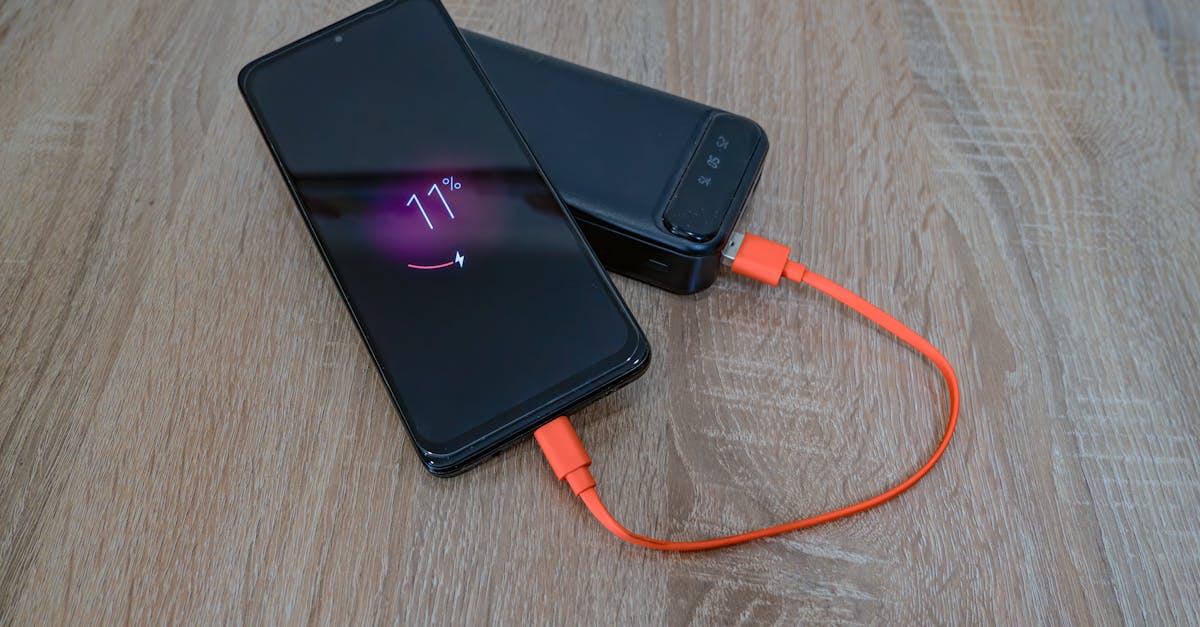
A smartphone charging from a power bank with an orange cable on a wooden table.
Battery Health Tips
Learn how proper charging habits and battery care can extend device lifespan and improve long-term performance.
A smartphone lies on a dimly lit wooden table showcasing reflection and shadows.
Screen Protection
Protect your screen from cracks, scratches, and accidental damage with preventive measures.
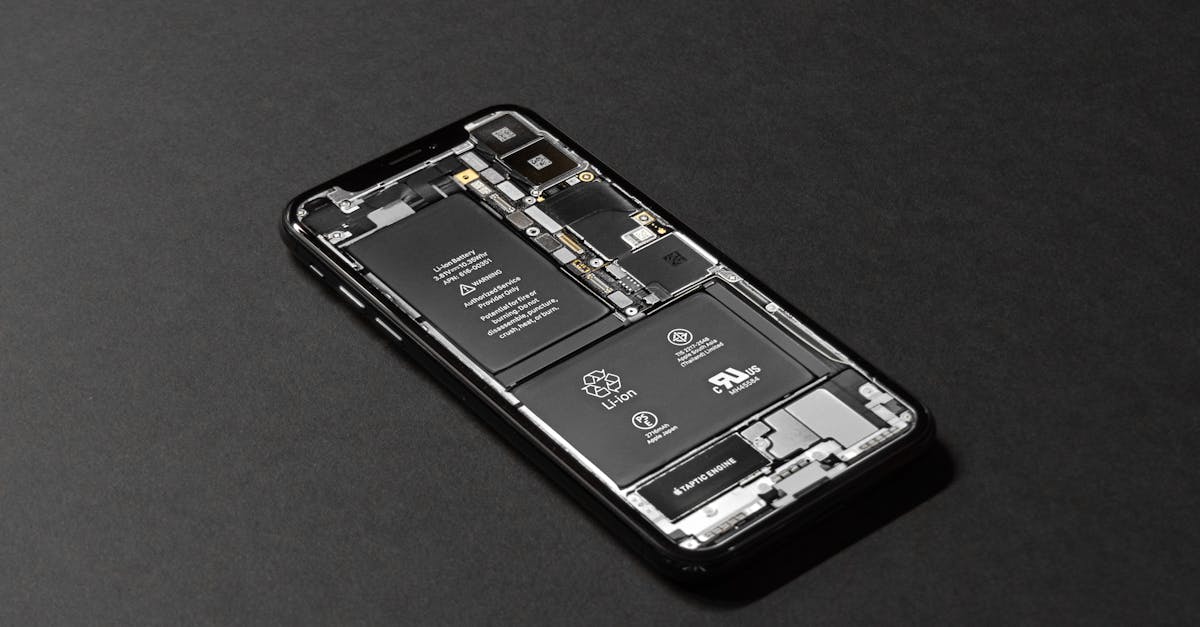
High-resolution image of a smartphone showcasing its internal components on a dark surface.
Water Damage Prevention
Reduce the risk of water damage by following simple handling and storage practices.
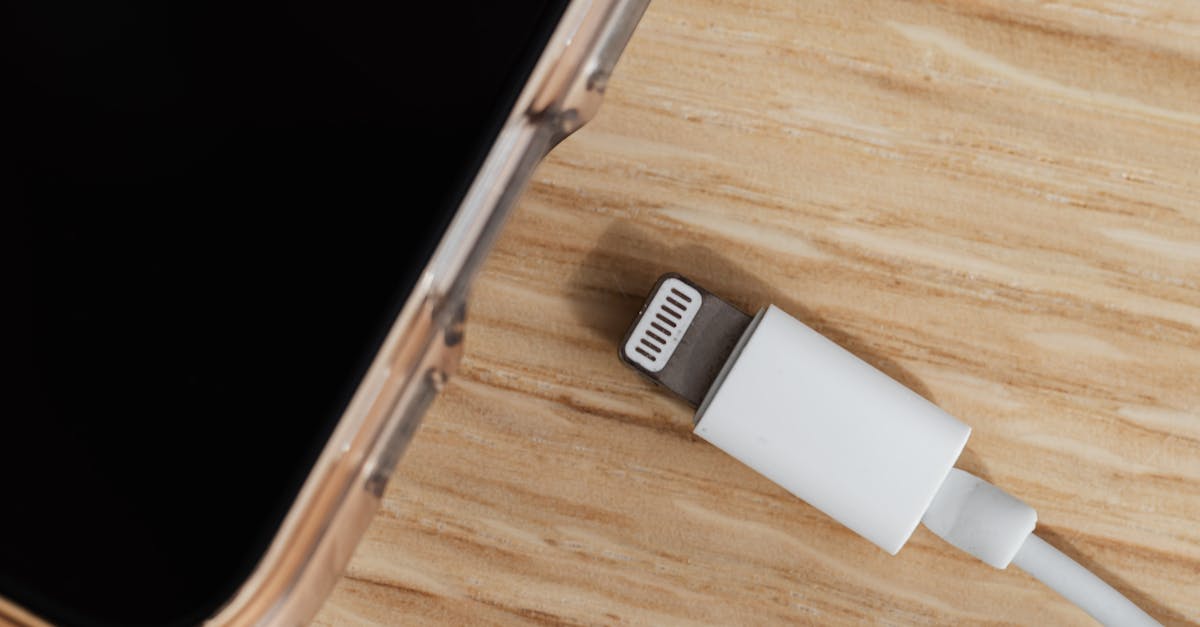
Top view of modern cellphone with empty screen in transparent cover placed near disconnected white charger usb connector on wooden background
Charging Best Practices
Use certified chargers and safe charging habits to maintain battery health and prevent hardware issues.
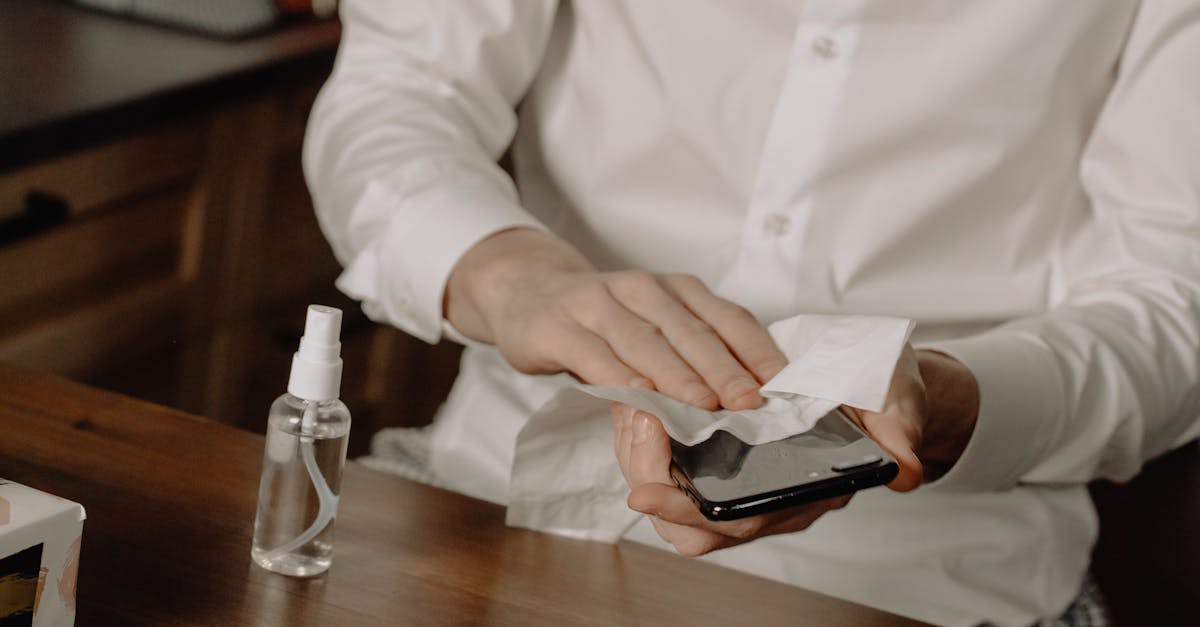
A person sanitizes their smartphone at a table, promoting healthy hygiene in home settings.
Device Cleaning Tips
Keep ports, speakers, and device surfaces clean to maintain performance and reliability.
A person in a blue jacket analyzing business analytics on a laptop outdoors during winter.
Laptop Maintenance
Maintain cooling systems, storage, and battery health for optimal laptop performance.
Detailed shot of a PlayStation 5 controller resting on the console, highlighting modern gaming design.
Console Care Guide
Prevent overheating and hardware wear with proper gaming console maintenance.
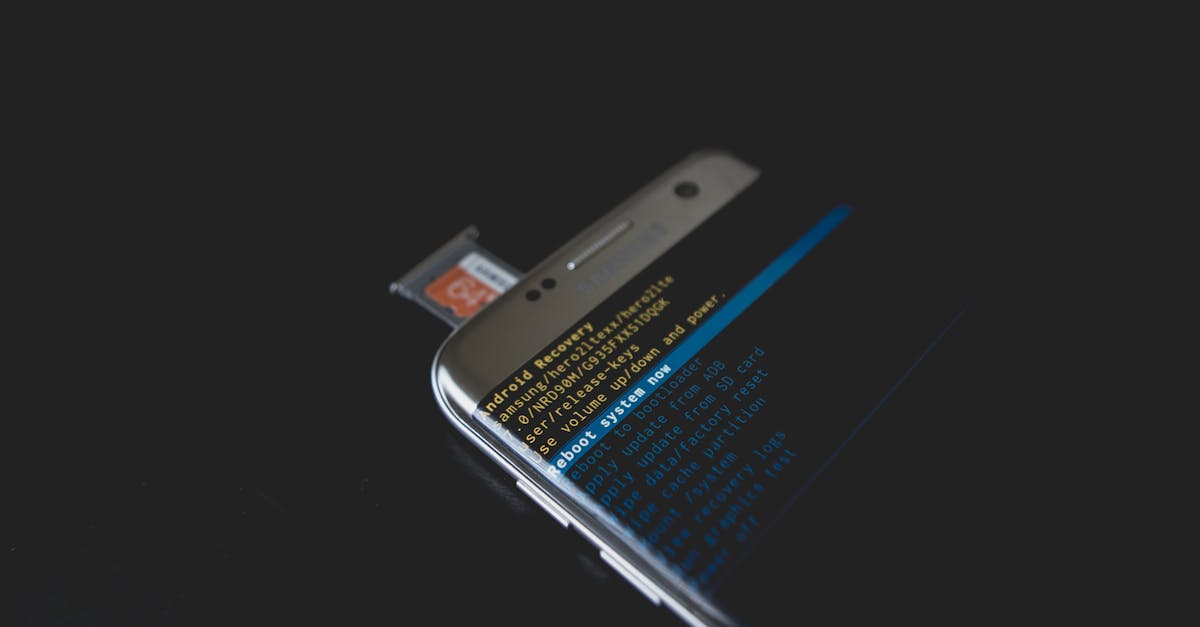
Close-up of a smartphone displaying Android recovery mode with an SD card inserted.
Data Backup Tips
Regular backups help protect important files and reduce the risk of permanent data loss.
Supported Devices

Devices Covered

Learn practical maintenance tips for smartphones, tablets, laptops, gaming consoles, and other electronic devices. Proper care can help extend device lifespan and reduce repair costs.

  • iPhone
  • iPad
  • MacBook
  • Samsung Phones
  • Google Pixel
  • PS5
  • Xbox Series X|S
  • Nintendo Switch
Repair Workflow

Recommended Maintenance Routine

Following a simple maintenance routine can improve device performance, extend lifespan, and help prevent common hardware issues.

1. Keep Software Updated
2. Monitor Battery Health
3. Use Quality Accessories
4. Protect Against Water Damage
5. Clean Ports Regularly
6. Back Up Important Data
7. Avoid Extreme Temperatures
8. Schedule Professional Checkups

Why Trust Papatech

Papatech combines repair expertise, preventive maintenance knowledge, and real-world experience to help device owners extend device lifespan and avoid unnecessary repairs.

✓ Experienced Technicians

✓ Preventive Maintenance Expertise

✓ Device Health Assessments

✓ Professional Diagnostics

✓ Quality Repair Solutions

✓ Trusted Local Service

What You Get

Learn practical maintenance habits, device protection strategies, and expert recommendations designed to improve performance and reduce repair risks.

✓ Device Care Guidance

✓ Preventive Maintenance Tips

✓ Battery Health Recommendations

✓ Performance Optimization Advice

✓ Data Protection Suggestions

✓ Professional Support

Need Professional Device Care Advice?

Contact Papatech for expert recommendations on maintaining and protecting your devices.

F.A.Q.

Device Care Tips FAQ

Avoid extreme temperatures, use quality chargers, and keep battery levels between 20% and 80% whenever possible.


Clean your device regularly, especially charging ports, speakers, and ventilation areas where dust can accumulate.


Yes. Excessive heat can reduce battery lifespan, affect performance, and potentially damage internal components.
Keep devices away from liquids, use protective cases when appropriate, and avoid charging a wet device.
Yes. Software updates often include security patches, bug fixes, and performance improvements that help protect your device.
Important data should be backed up regularly using cloud services or external storage to reduce the risk of data loss.
Low-quality charging accessories may cause charging issues, battery degradation, or even hardware damage over time.
If you notice overheating, battery swelling, charging issues, unusual noises, or performance problems, professional inspection is recommended.

Related Articles

Hello world!

Welcome to Astra Starter Templates. This is your first post. Edit or delete it, then start blogging!...

Hello world!

Welcome to WordPress. This is your first post. Edit or delete it, then start writing!...

Ready to Repair Your Device?

Contact Papatech today for professional diagnostics, repair recommendations, and trusted repair services for smartphones, tablets, laptops, game consoles, and other electronic devices.