

Common Repair Mistakes

Learn about the most common repair mistakes that lead to device damage, unnecessary repair costs, and avoidable device failures.

Common Repair Mistakes

Many device failures become more serious because of avoidable mistakes. Understanding these common errors can help protect your devices and reduce repair costs.
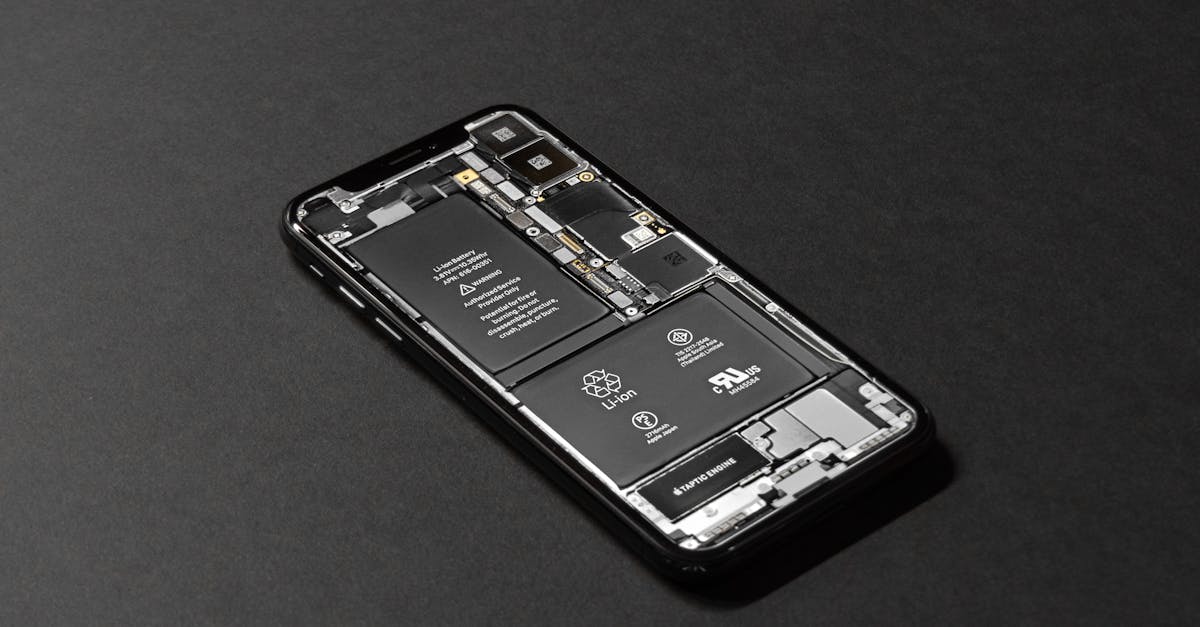
High-resolution image of a smartphone showcasing its internal components on a dark surface.
Ignoring Battery Swelling
Failing to address a swollen battery can create safety hazards and increase repair complexity.
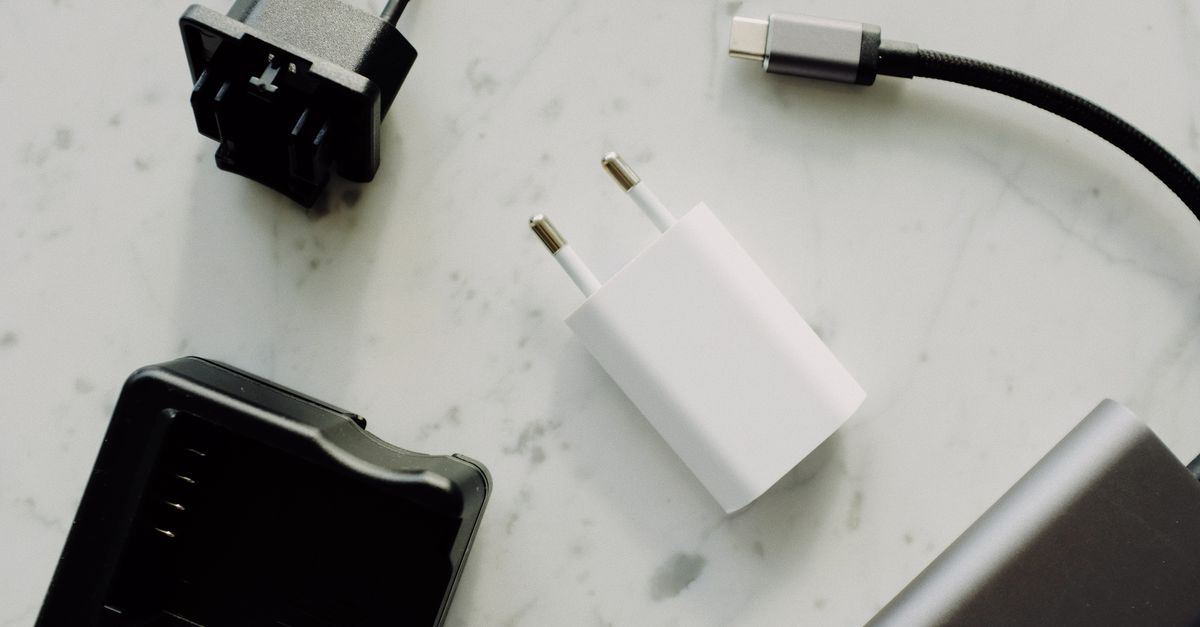
Close-up of USB-C and adaptors on a marble surface, highlighting modern electronics essentials.
Using Cheap Chargers
Low-quality charging accessories may damage batteries, charging circuits, and device components.
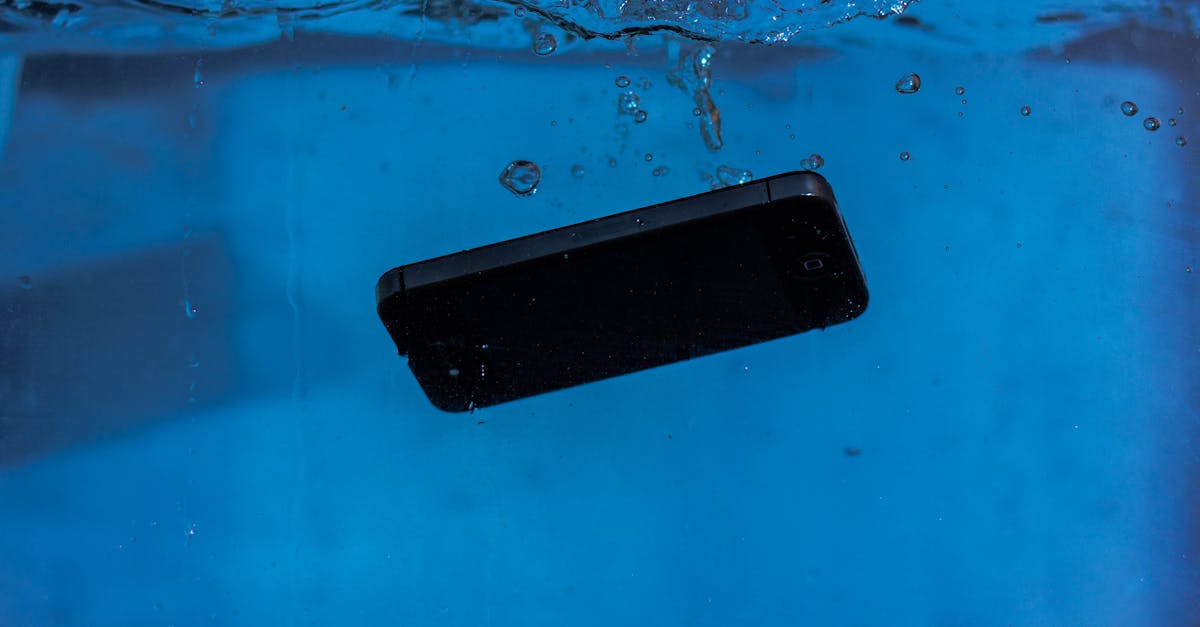
A smartphone captured underwater, illustrating themes of technology and water resistance.
Ignoring Water Damage
Waiting too long after liquid exposure can allow corrosion to spread and worsen internal damage.
Close-up of a smartphone charging on a laptop. Ideal for tech themes.
Ignoring Overheating Problems
Excessive heat can shorten battery lifespan and damage internal components if left unresolved.
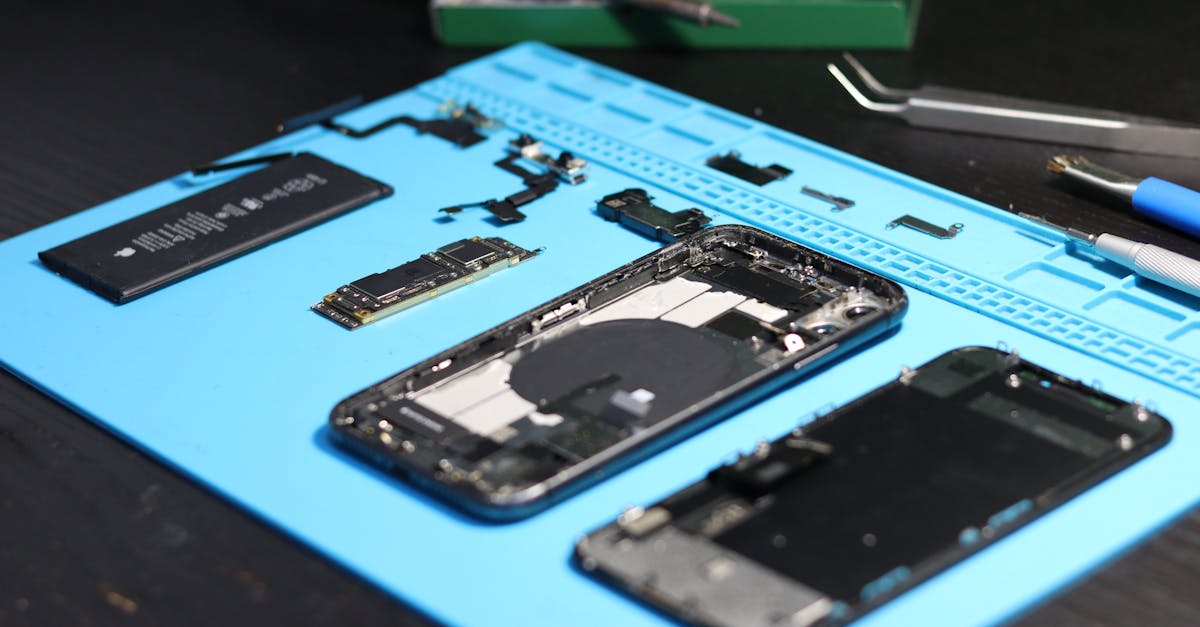
Disassembled smartphone with tools on a workbench, emphasizing repair and technology.
DIY Repairs Without Research
Attempting repairs without proper knowledge often leads to additional damage and higher repair costs.
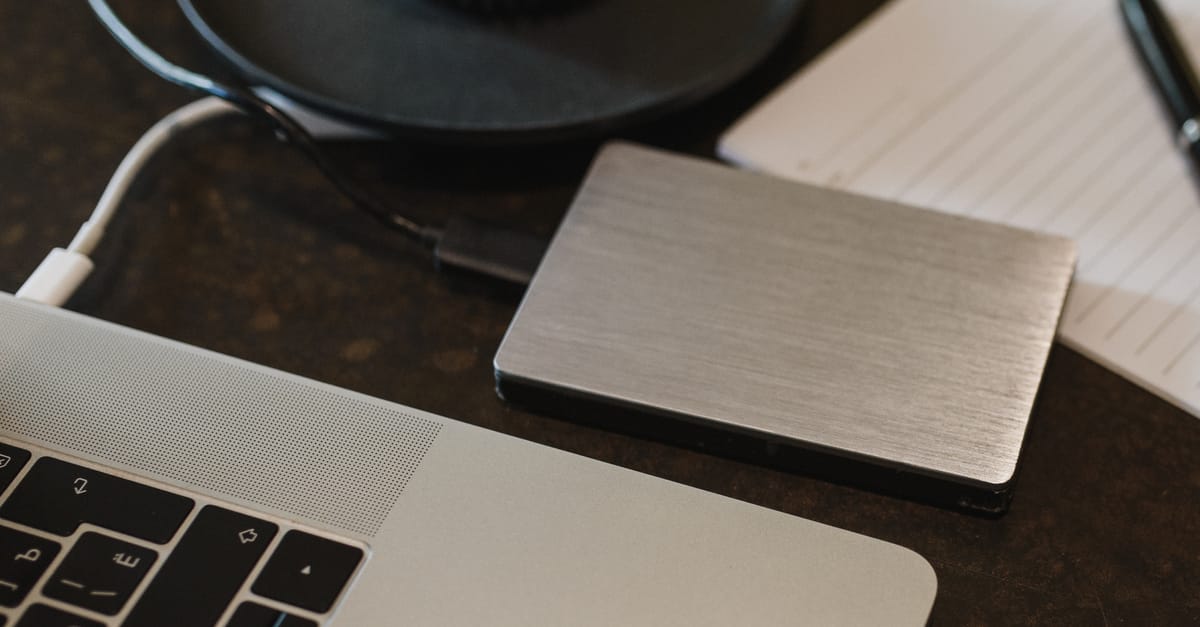
Closeup of an external hard drive connected to a laptop with a USB cable on a desk.
Skipping Data Backups
Unexpected failures can result in permanent data loss if important files are not backed up regularly.
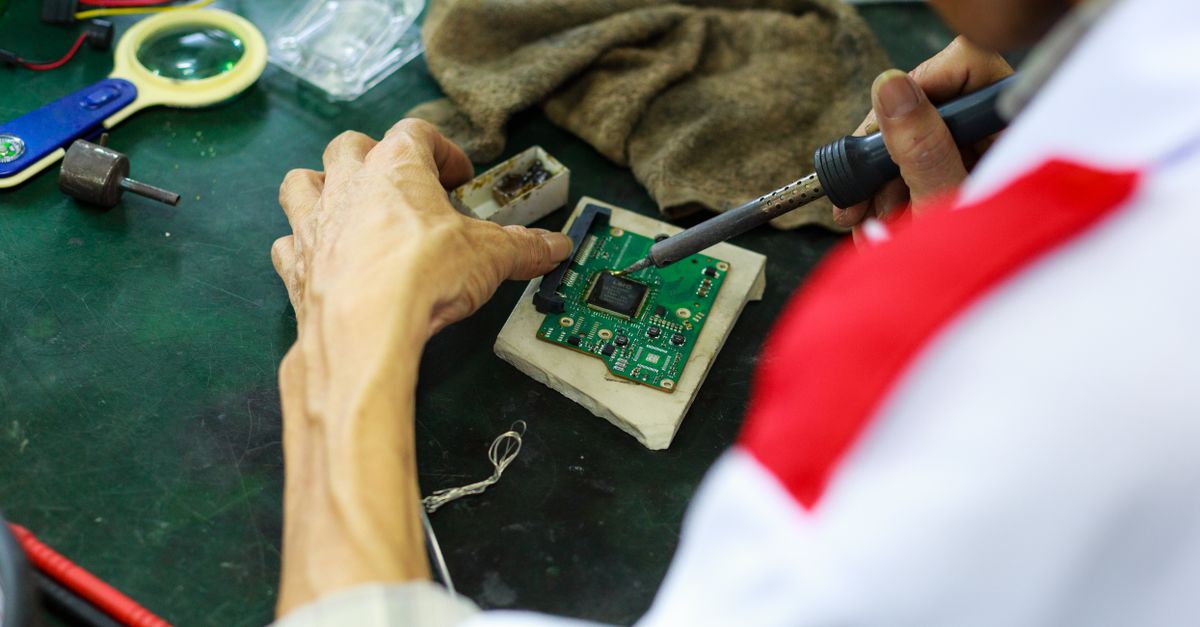
A skilled technician uses a soldering iron to repair and solder a circuit board.
Choosing Unqualified Repair Shops
Poor workmanship and low-quality parts can create long-term reliability issues.
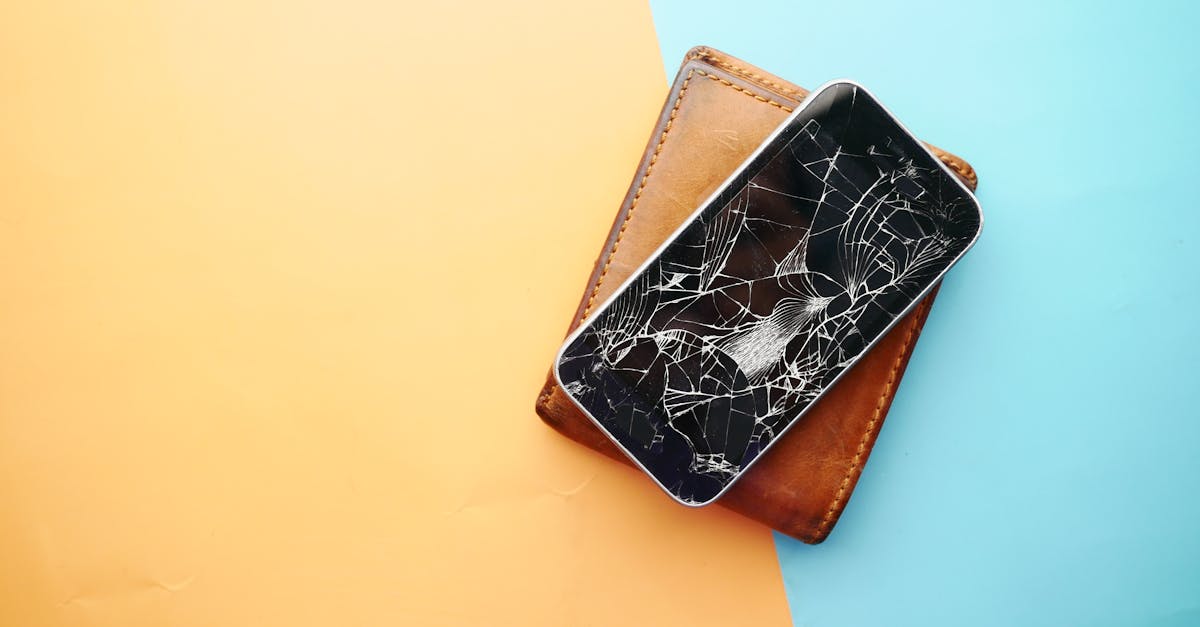
Close-up of a broken smartphone on a wallet, showcasing damaged screen.
Delaying Necessary Repairs
Minor issues often become more expensive and difficult to repair when ignored.
Common Mistakes

Mistakes We See Most Often

Many repair issues become more severe because of simple mistakes that could have been prevented.

Ignoring Battery Issues

Using Cheap Accessories

Delaying Repairs

Skipping Backups

DIY Mistakes

Water Damage Delays

Poor Repair Choices

Ignoring Warning Signs

Prevention Checklist

Avoid Costly Repair Mistakes

Following a few simple practices can help extend device lifespan and prevent unnecessary repair expenses.

1. Monitor Battery Health

2. Use Quality Accessories

3. Back Up Important Data

4. Address Issues Early

5. Avoid DIY Risks

6. Protect Against Water Damage

7. Choose Qualified Technicians

8. Perform Regular Maintenance

Why Trust Papatech

Papatech combines repair expertise, real-world experience, and preventive maintenance knowledge to help device owners avoid common repair mistakes and costly damage.

✓ Experienced Technicians

✓ Repair Industry Expertise

✓ Accurate Diagnostics

✓ Preventive Maintenance Knowledge

✓ Honest Recommendations

✓ Quality Repair Standards

What You Get

Learn how to recognize warning signs, avoid costly mistakes, and make smarter decisions about device care and repairs.

✓ Device Care Education

✓ Preventive Repair Advice

✓ Diagnostic Guidance

✓ Risk Awareness Information

✓ Professional Recommendations

✓ Long-Term Device Protection Tips

Need Advice About a Device Issue?

Contact Papatech before a small problem becomes a costly repair. Our technicians can help you choose the right solution.

F.A.Q.

Common Repair Mistakes FAQ
Ignoring early warning signs such as battery swelling, overheating, or charging problems.
Yes. Poor-quality chargers can damage batteries, charging circuits, and other components.
Corrosion can spread quickly after liquid exposure, making repairs more difficult and expensive.
Not always, but complex repairs require proper tools, knowledge, and experience.
Unexpected failures can result in permanent data loss if backups are not available.
Yes. Small issues often become larger and more expensive problems over time.
Look for experience, repair expertise, quality parts, warranties, and customer reviews.
Battery swelling, overheating, liquid damage, charging issues, and unusual device behavior.

Related Articles

Hello world!

Welcome to Astra Starter Templates. This is your first post. Edit or delete it, then start blogging!...

Hello world!

Welcome to WordPress. This is your first post. Edit or delete it, then start writing!...

Ready to Repair Your Device?

Contact Papatech today for professional diagnostics, repair recommendations, and trusted repair services for smartphones, tablets, laptops, game consoles, and other electronic devices.