

DIY Repair Risks

Understand the risks of do-it-yourself device repairs, common mistakes, and when professional repair services may be the safer option.

Common DIY Repair Risks

Attempting repairs without proper tools, experience, or knowledge can lead to additional damage, safety concerns, and higher repair costs.
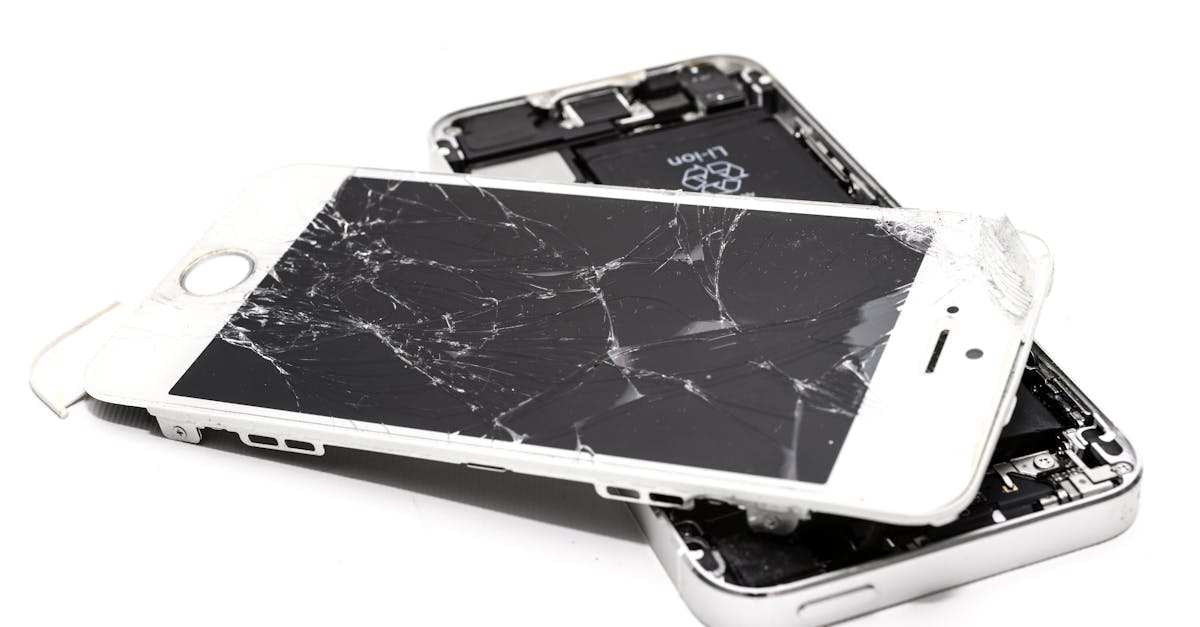
Close-up of a broken smartphone with a severely cracked screen.
Screen Repair Mistakes
Improper screen replacement can damage cables, connectors, and display components.
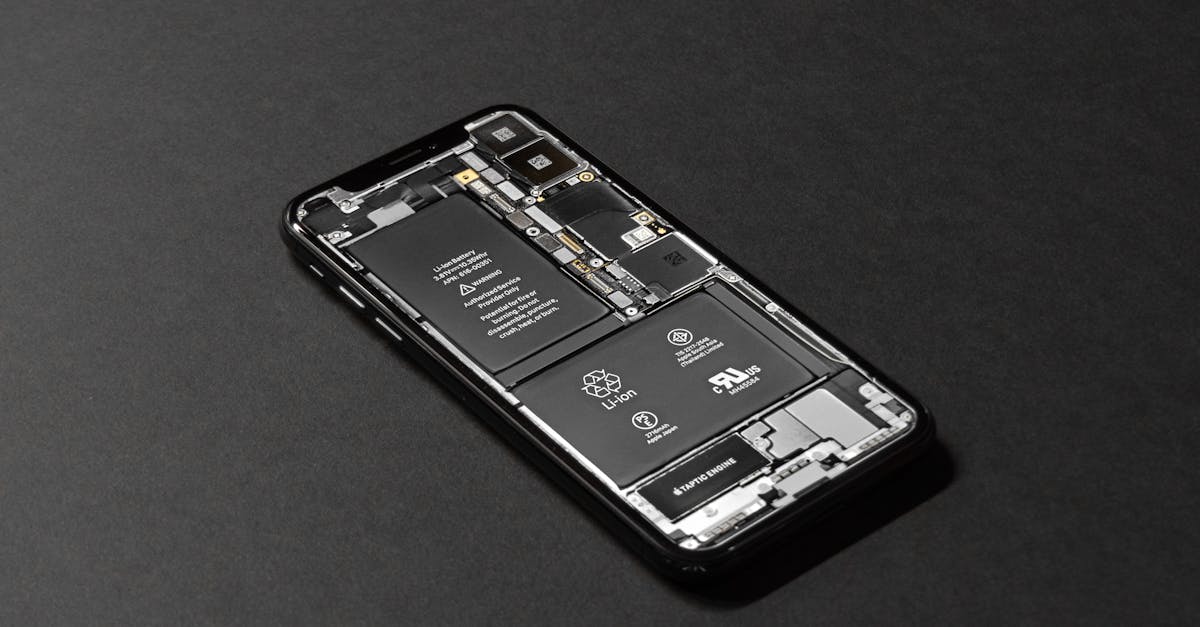
High-resolution image of a smartphone showcasing its internal components on a dark surface.
Battery Replacement Risks
Damaged lithium batteries can overheat, swell, leak, or even catch fire if handled incorrectly.
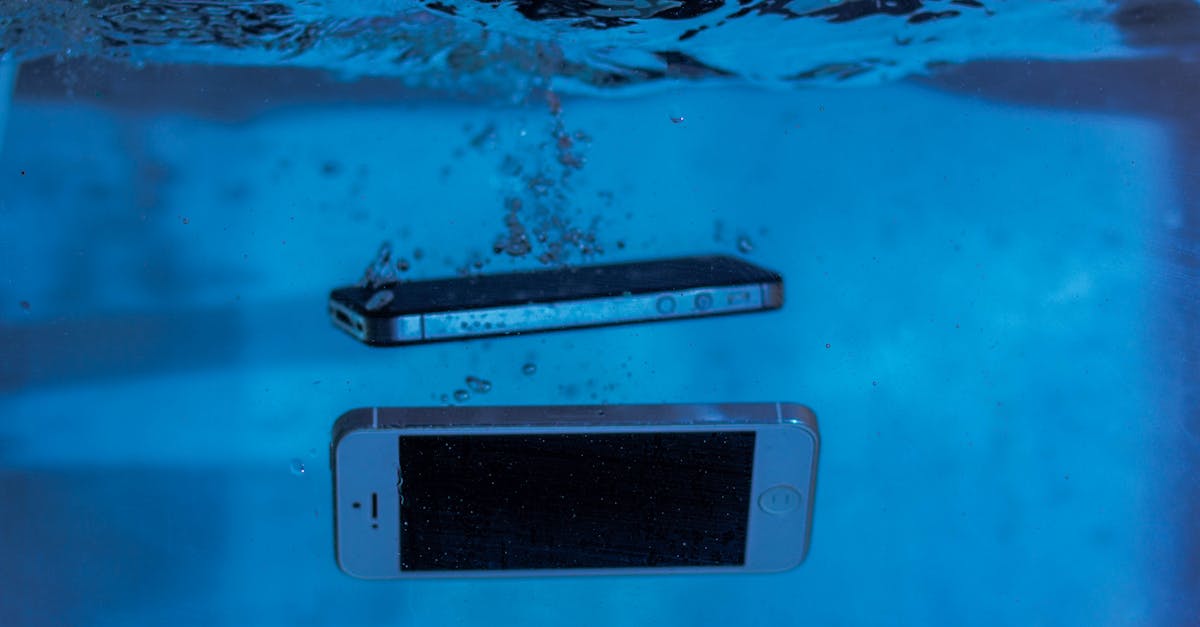
Two smartphones immersed underwater with bubbles, showcasing water-resistant test perspectives.
Water Damage Misconceptions
DIY drying methods may fail to remove corrosion and can worsen internal damage over time.
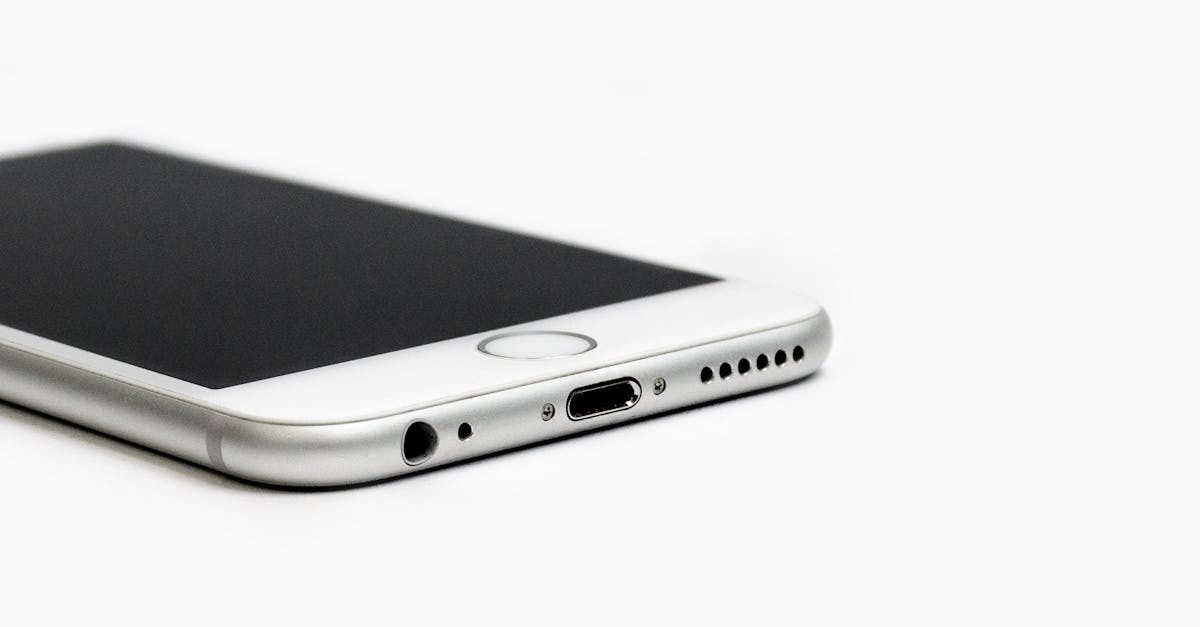
Minimalist image of a sleek smartphone with focus on the bottom edge and ports.
Charging Port Repair Errors
Incorrect tools and techniques can damage charging ports and motherboard connections.
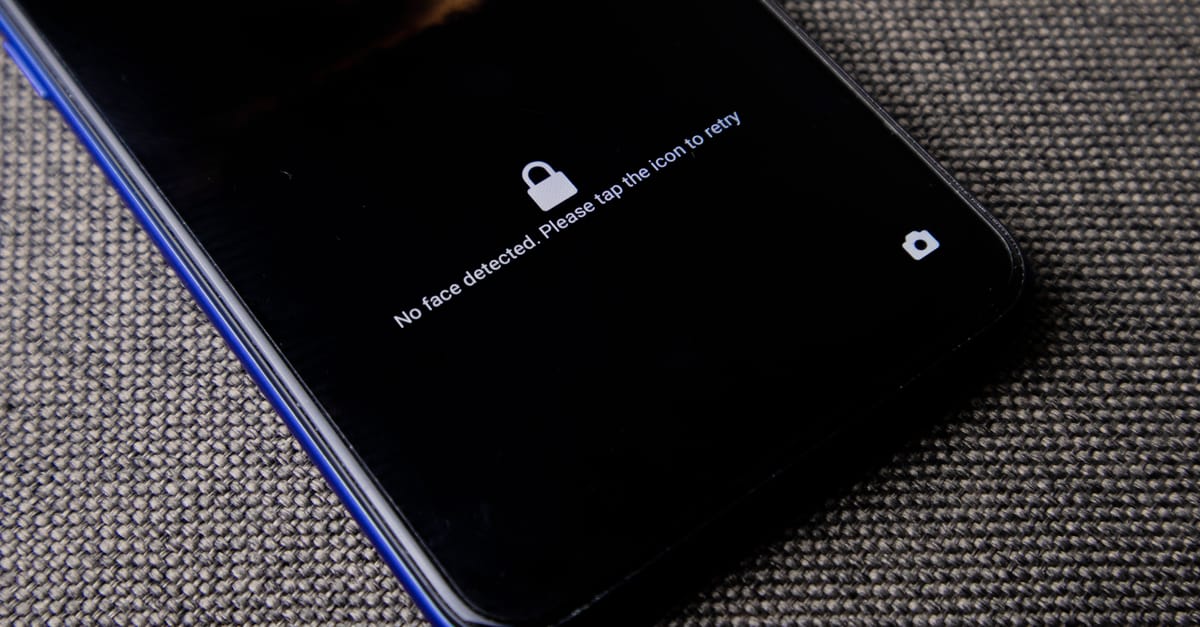
Mobile phone with no face detected message on lock screen on a textured fabric surface.
Face ID Repair Challenges
Modern biometric systems require specialized equipment and expertise to repair properly.
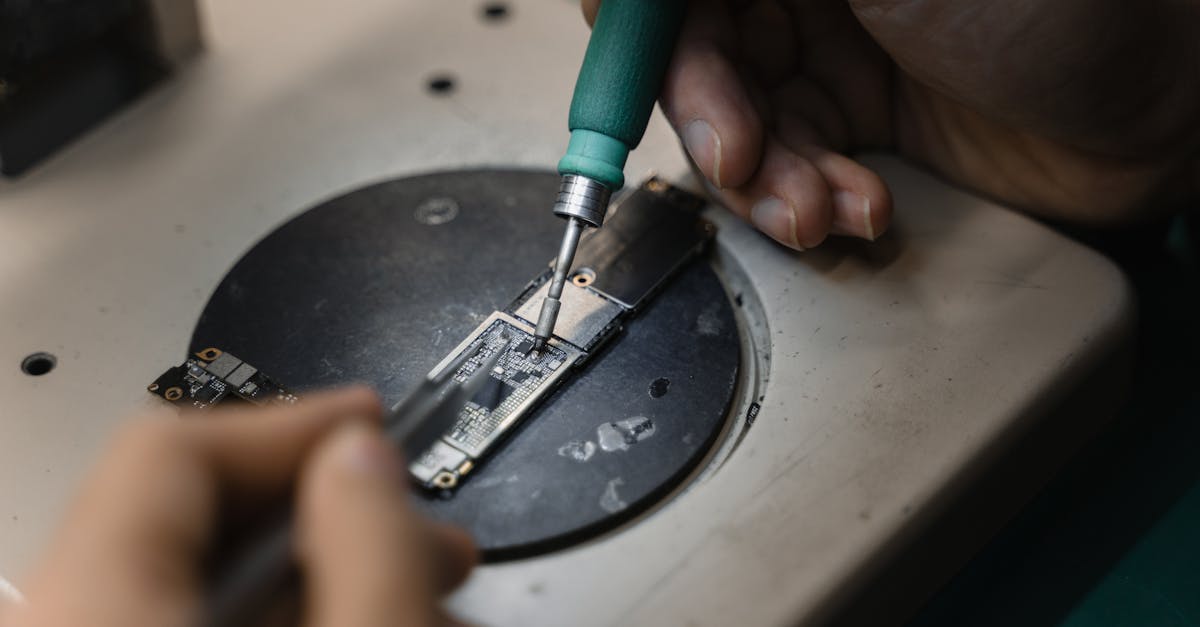
Hands using a soldering iron on circuit board, showcasing precise electronic repair indoors.
Logic Board Repair Risks
Board-level repairs often involve microsoldering and can permanently damage devices if performed incorrectly.
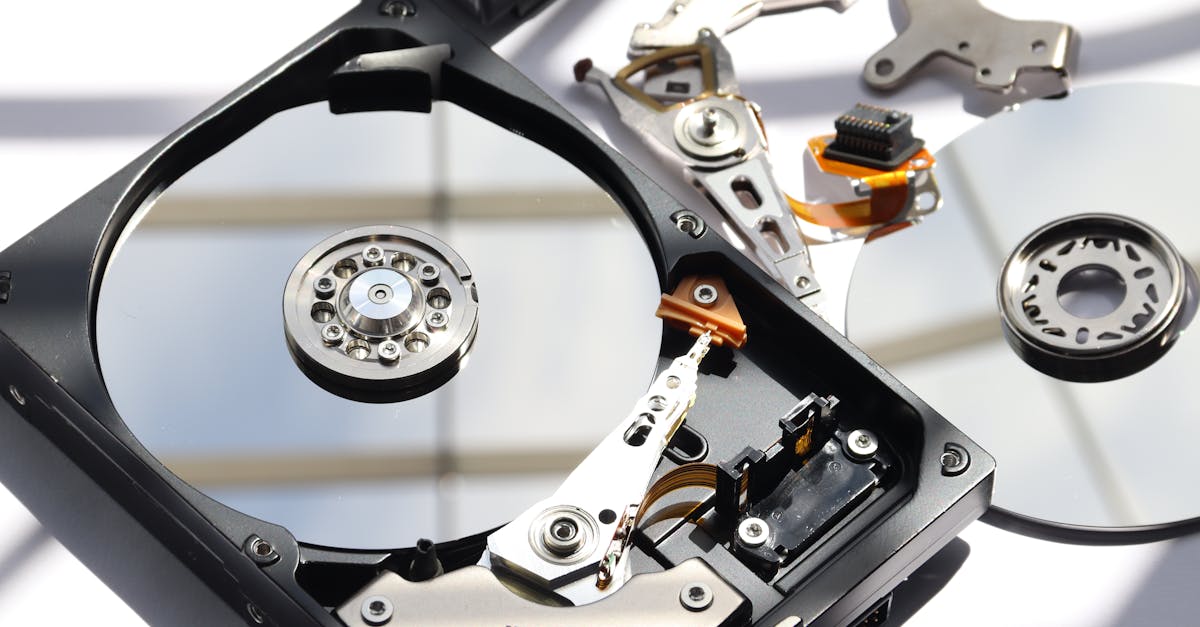
Detailed view of disassembled HDD showing intricate internal components.
Risk of Data Loss
Unsuccessful DIY repairs may result in accidental data loss and reduce the chances of successful recovery.
A hand holding a pen signing a document, close-up shot with focus on the paper.
Warranty & Service Risks
Opening a device or using unauthorized parts may void manufacturer warranties and service agreements.
Common DIY Repairs

Repairs People Often Attempt

Many device owners attempt common repairs themselves, but certain procedures carry significant risks without proper training and tools.

Screen Replacement

Battery Replacement

Charging Port Repair

Back Glass Repair

Water Damage Cleaning

Camera Replacement

Laptop Repairs

Gaming Console Repairs

Risk Awareness

Before You Attempt a Repair

Understanding the risks involved can help prevent costly mistakes and permanent device damage.

1. Assess Repair Complexity

2. Back Up Important Data

3. Verify Tool Requirements

4. Research Repair Procedures

5. Understand Safety Risks

6. Check Warranty Status

7. Consider Replacement Part Quality

8. Evaluate Professional Repair Options

Why Trust Papatech

Papatech combines repair expertise, real-world experience, and technical knowledge to help device owners understand repair risks and avoid costly mistakes.

✓ Experienced Technicians

✓ Advanced Repair Equipment

✓ Board-Level Repair Expertise

✓ Professional Diagnostics

✓ Safe Repair Procedures

✓ Quality Assurance Testing

What You Get

Learn about common repair risks, warning signs, and practical recommendations that can help prevent costly device damage.

✓ Professional Repair Advice

✓ Accurate Diagnostics

✓ Safe Repair Solutions

✓ Data Protection Guidance

✓ Quality Replacement Parts

✓ Reliable Repair Support

Unsure About a DIY Repair?

Contact Papatech before attempting a risky repair. Our technicians can help you understand the safest and most cost-effective solution.

F.A.Q.

DIY Repair Risks FAQ

Not always. Mistakes can increase repair costs and lead to additional damage.


Yes. Many manufacturers consider unauthorized repairs a warranty violation.


Improper battery handling can create fire, heat, and safety hazards.


Yes. Certain repairs carry a risk of accidental data loss.


Face ID repairs, board-level repairs, and many modern device repairs require specialized equipment.


Minor cleaning may be possible, but professional diagnostics are usually recommended.

If a repair involves batteries, logic boards, data recovery, or biometric systems, professional service is strongly recommended.

In many cases yes, but additional damage may increase repair complexity and cost.

Related Articles

Hello world!

Welcome to Astra Starter Templates. This is your first post. Edit or delete it, then start blogging!...

Hello world!

Welcome to WordPress. This is your first post. Edit or delete it, then start writing!...

Ready to Repair Your Device?

Contact Papatech today for professional diagnostics, repair recommendations, and trusted repair services for smartphones, tablets, laptops, game consoles, and other electronic devices.