

Boot Loop Problems

Learn about boot loop problems affecting smartphones, tablets, MacBooks, laptops, gaming consoles, and other electronic devices. Discover common causes, warning signs, troubleshooting tips, and repair solutions from Papatech.

Common Boot Loop Problems

Boot loop issues can affect smartphones, tablets, MacBooks, laptops, gaming consoles, and other electronic devices. Learn about common causes, troubleshooting tips, and repair solutions for devices that continuously restart.

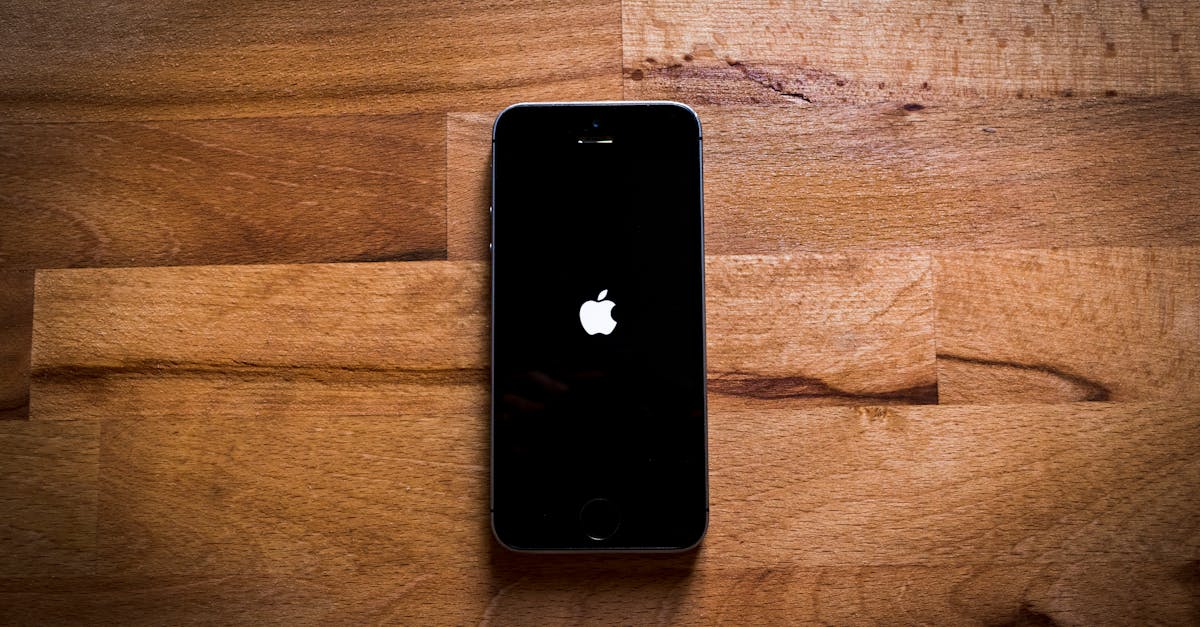
Close-up of a smartphone on a textured wooden surface, featuring a sleek design.
Device Stuck on Logo
Device freezes on the startup logo and cannot complete booting.
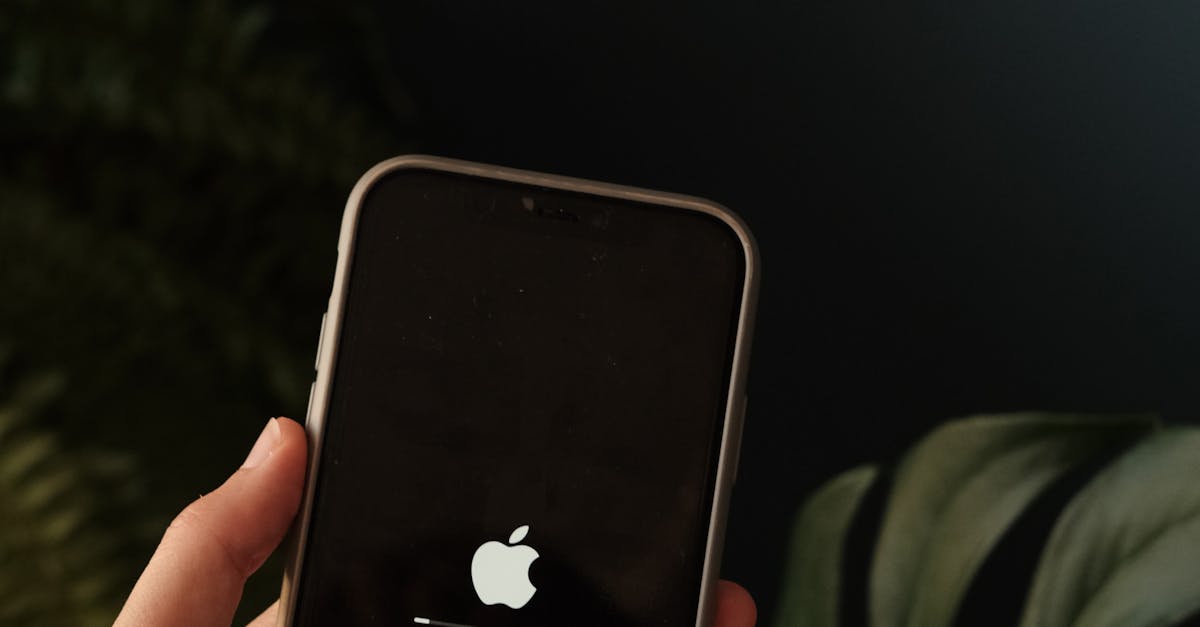
Person holding a smartphone displaying an Apple logo indoors with a leafy plant in the background.
Infinite Restart Cycle
Device repeatedly restarts without reaching the home screen.
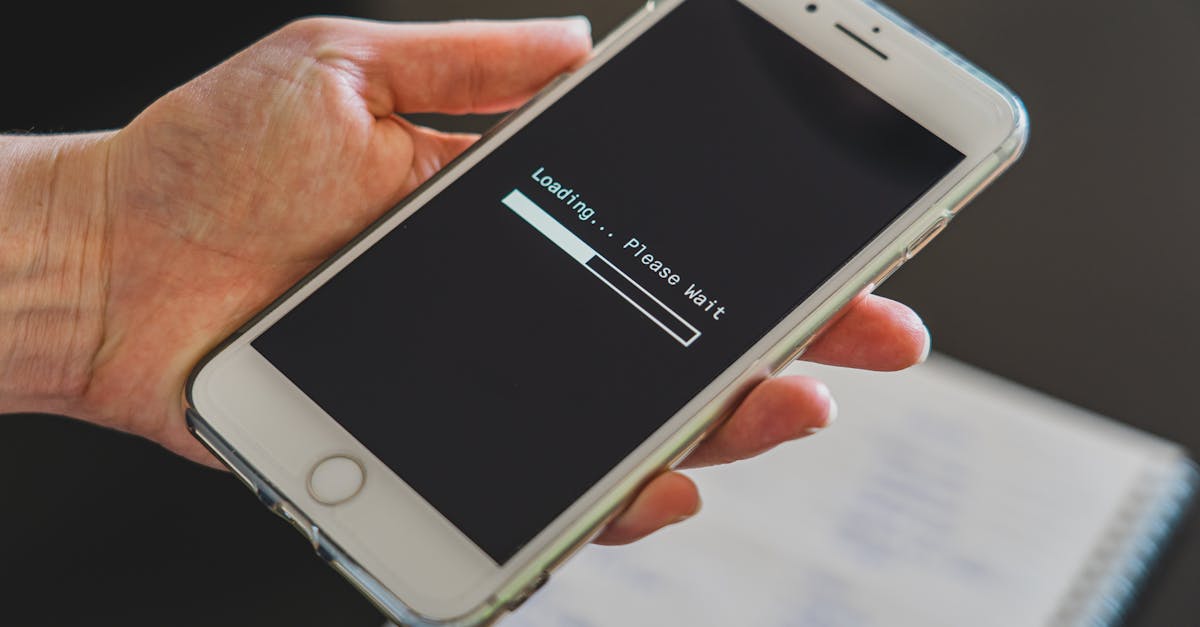
Close-up of a hand holding a smartphone with a loading screen displayed, showcasing technology usage.
Boot Loop After Update
Software updates fail and trigger continuous rebooting.
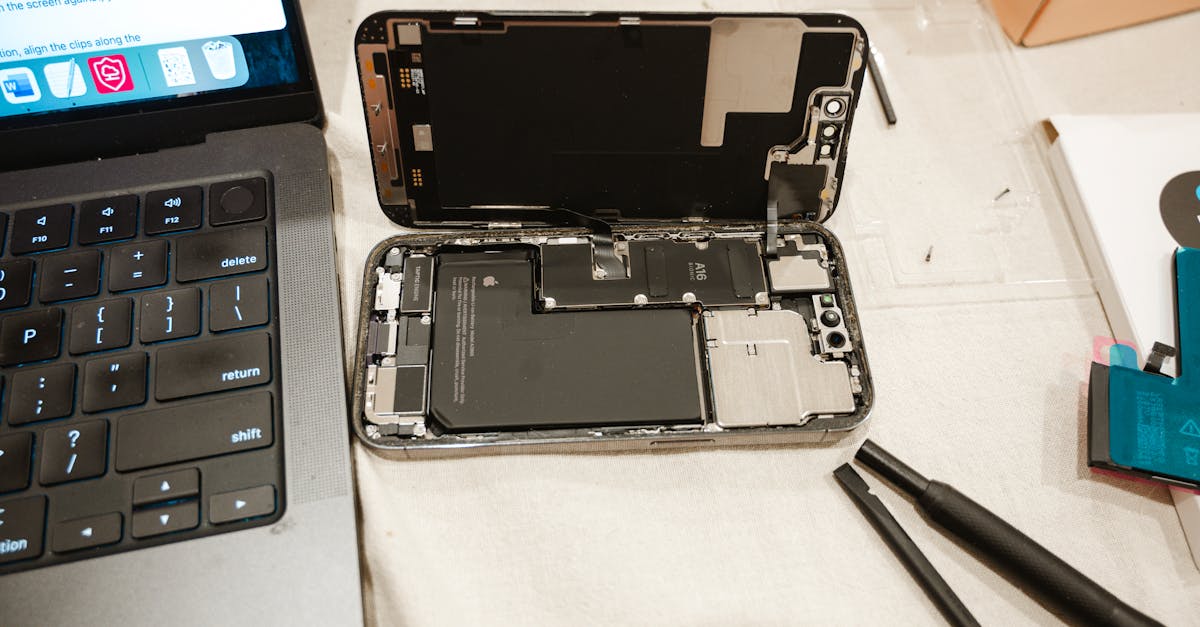
Open iPhone with repair tools and laptop, showcasing DIY battery replacement process.
Boot Loop After Battery Replacement
Improper power delivery causes startup instability.
Close-up view of hands typing on a laptop, focusing on technology and remote work.
MacBook Boot Loop
MacBook repeatedly restarts during startup.
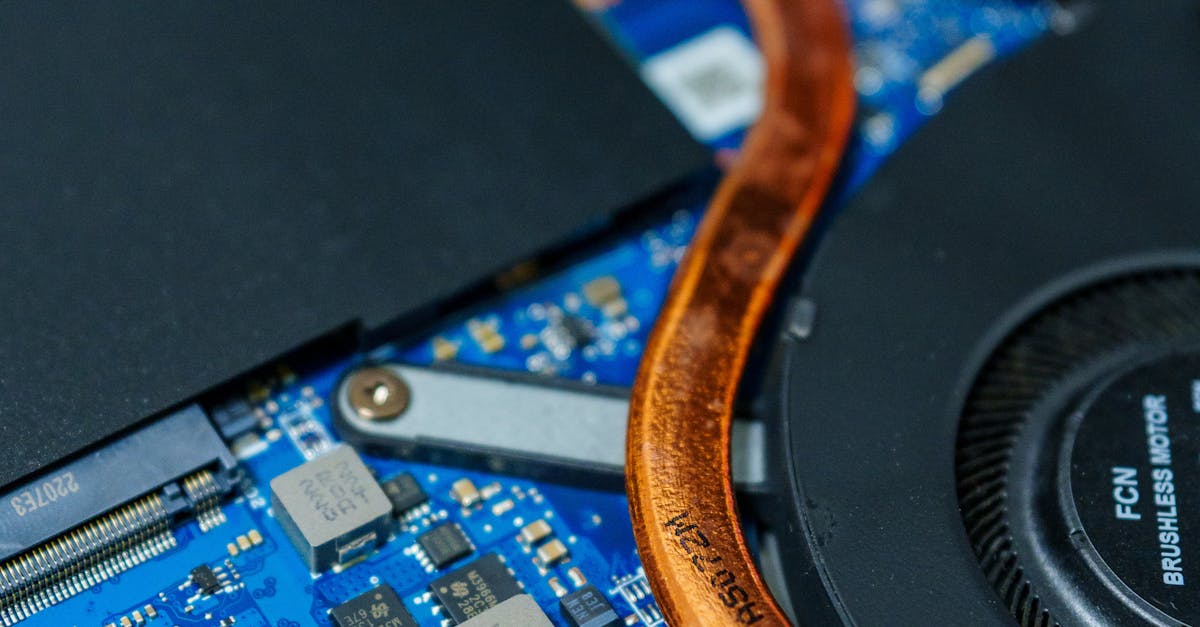
Detailed view of a computer motherboard showcasing heat pipes and internal circuitry.
Water Damage Boot Loop
Liquid exposure affects motherboard stability.
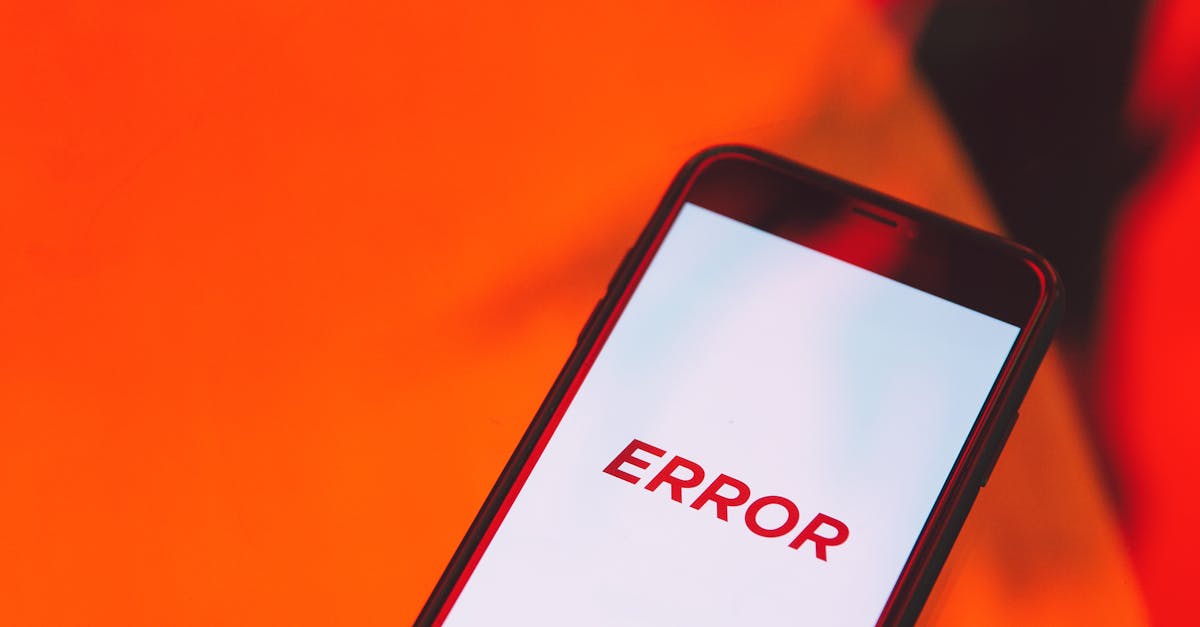
Smartphone displaying an error message on a vibrant red surface.
Overheating Restart Loop
Device reboots repeatedly due to thermal protection.
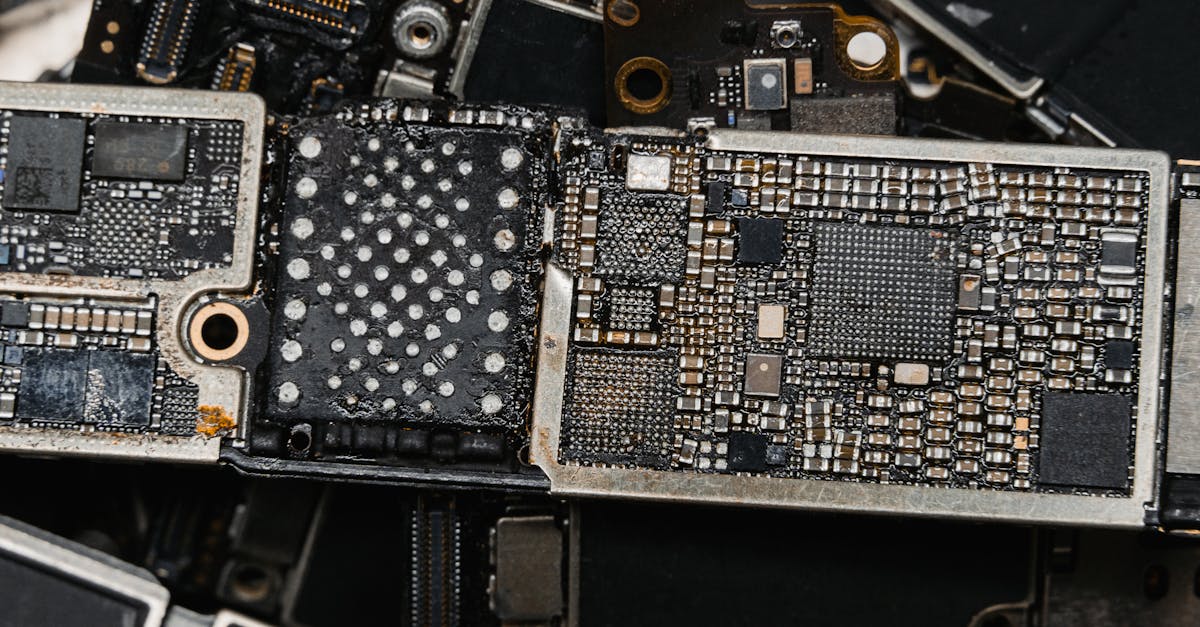
Detailed image of electronic circuit board components, showcasing intricate engineering.
Motherboard Failure Loop
Hardware faults prevent successful system startup.
Supported Devices

Devices We Support

Papatech helps diagnose boot loop issues across multiple device types, including smartphones, tablets, laptops, gaming consoles, and desktop computers.

• Smartphones (iPhone, Samsung, Google Pixel)
• Tablets (iPad, Galaxy Tab)
• MacBooks (Air & Pro)
• Windows Laptops
• Gaming Consoles (PS5, Xbox, Nintendo Switch)
• Desktop Computers

Repair Workflow

Our Repair Process

Understanding common iPhone problems starts with identifying symptoms, checking hardware and software conditions, and determining the most effective repair solution.

1. Verify Boot Symptoms
2. Check Software Integrity
3. Test Battery & Power Systems
4. Inspect Storage Components
5. Analyze Hardware Failures
6. Perform Professional Diagnosis

Why It Happens

Boot loop problems can be caused by software corruption, failed updates, battery issues, storage failures, overheating, or motherboard-related faults. Identifying the root cause is essential for successful repair.

  • Early Problem Detection
  • Repair Cost Awareness
  • Device Protection Tips
  • Professional Guidance
  • Preventive Maintenance

What You Can Learn

Learn how to identify common iPhone issues, understand possible causes, recognize warning signs, and determine when professional repair may be required.

• Boot Loop Diagnostics
• Software Recovery Methods
• Battery & Power Analysis
• Storage Device Inspection
• Hardware Failure Detection
• Repair Solution Recommendations

Need Help With Boot Loop Problems?

If your device is stuck in a restart cycle, freezes on the startup logo, or fails to complete the boot process, professional diagnostics can help identify and resolve the issue.

F.A.Q.

Frequently Asked Questions About Boot Loop Problems

Devices may become stuck on the startup logo due to software corruption, failed updates, storage issues, battery problems, or motherboard-related faults.


Boot loops are commonly caused by damaged system files, interrupted updates, faulty batteries, storage failures, overheating, or hardware malfunctions.


Yes. Incomplete or failed software updates can corrupt operating system files and cause devices to restart repeatedly during the boot process.


Yes. A failing battery may not provide stable power during startup, causing the device to shut down and restart continuously.


Basic troubleshooting may include force restarting the device, entering recovery mode, updating software, or restoring the operating system. Professional diagnostics may be required if the issue persists.


Yes. Liquid exposure can damage internal circuits and motherboard components, resulting in repeated restarts or startup failures.

Many boot loop issues can be repaired through software recovery, storage replacement, battery service, or motherboard-level repairs depending on the underlying cause.

Repair costs vary depending on whether the issue is software-related or requires hardware repairs. Professional diagnostics can determine the most effective solution.

Professional diagnostics are recommended if the device remains stuck in a restart cycle, cannot enter recovery mode, or continues rebooting after basic troubleshooting.

Related Articles

Hello world!

Welcome to Astra Starter Templates. This is your first post. Edit or delete it, then start blogging!...

Hello world!

Welcome to WordPress. This is your first post. Edit or delete it, then start writing!...

Ready to Repair Your Device?

Contact Papatech today for professional diagnostics, repair recommendations, and trusted repair services for smartphones, tablets, laptops, game consoles, and other electronic devices.