





Black Screen Issues

Learn about black screen issues affecting smartphones, tablets, MacBooks, laptops, gaming consoles, and other electronic devices. Discover common causes, warning signs, troubleshooting steps, and professional repair solutions from Papatech.

Common Black Screen Issues

Black screen issues can affect smartphones, tablets, MacBooks, laptops, gaming consoles, and other electronic devices. Learn about common causes, troubleshooting tips, and repair solutions from Papatech.

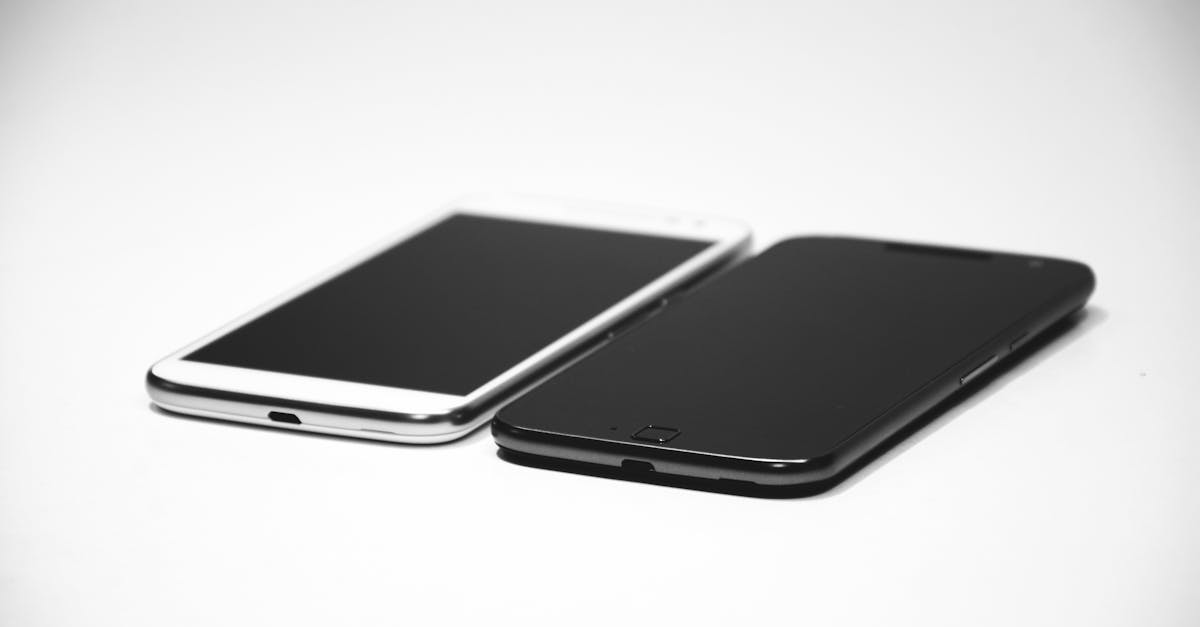
Two smartphones, one black and one white, placed on a white surface, showcasing modern design.
Device Won't Turn On
Device shows no display and fails to power on normally.
Close-up of a smartphone with black screen on a white background, perfect for technology themes.
Screen Stays Black
Screen remains black even though the device appears powered on.
A sleek smartphone positioned on a rich brown leather background, highlighting modern design.
Black Screen After Drop
Display stops working after accidental impact or physical damage.
Close-up shot of a tablet with a blank screen, ideal for mockups.
Black Screen After Update
Display issues occur after a software or firmware update.
Close-up of a smartphone on a textured wooden surface, featuring a sleek design.
Intermittent Black Screen
Screen randomly turns black and returns unexpectedly.
Hands typing on a blue keyboard with a branded cup on a table.
Backlight Failure
Display appears dark due to failed backlight components.
A sleek laptop sitting on a woven chair in a minimalist setting, perfect for modern workspaces.
MacBook Black Screen
Device repeatedly restarts...
A person holds a smartphone with raindrops on screen, emphasizing water resistance.
Water Damage Black Screen
Liquid damage causes display failure or black screen symptoms.
Supported Devices

Devices We Support

Papatech helps diagnose and troubleshoot black screen issues affecting smartphones, tablets, MacBooks, laptops, gaming consoles, monitors, and other electronic devices.

  • Smartphones (iPhone,
  • Samsung, Google Pixel)
  • Tablets (iPad, Galaxy Tab)
  • MacBooks (Air & Pro)
  • Windows Laptops
  • Gaming Consoles (PS5, Xbox,Nintendo Switch)
  • Desktop Computers
Repair Workflow

Our Repair Process

Every black screen issue follows a structured diagnostic process to identify whether the problem is related to the display, backlight, software, battery, or logic board.

1. Verify Device Power Status
2. Inspect Display Components
3. Check Backlight Function
4. Test External Display Output
5. Analyze Software Issues
6. Perform Professional Diagnosis

Why Black Screen Issues Happen

Black screen issues can be caused by display failures, software corruption, battery problems, backlight damage, or motherboard faults. Understanding the root cause helps prevent unnecessary repairs and improves recovery success.

• Accurate Black Screen Diagnosis
• Display & Backlight Testing
• Motherboard-Level Troubleshooting
• Software Recovery Analysis
• Professional Repair Recommendations

What You Can Learn

Learn how to diagnose black screen issues, understand common causes, recognize warning signs, and determine the most effective repair solution for your device.

• Black Screen Diagnostics
• Display Failure Detection
• Backlight Troubleshooting
• Software Recovery Guidance
• Hardware Inspection Results
• Repair Solution Recommendations

Need Help With Black Screen Issues?

Black screen problems can affect smartphones, tablets, laptops, MacBooks, and gaming devices. If your device shows no display, remains black after startup, or experiences intermittent screen failures, professional diagnosis may be required.

F.A.Q.

Frequently Asked Questions About Black Screen Issues

A device may appear powered on while showing a black screen due to display failures, backlight issues, software corruption, or motherboard-related problems. Professional diagnostics can identify the exact cause.


Physical impact can damage the display panel, screen connectors, backlight circuits, or internal components. Even if the device still powers on, the display may remain completely black.


Yes. Failed updates, corrupted operating system files, or interrupted installations can sometimes cause devices to become stuck on a black screen during startup.


A backlight failure occurs when the display is still producing an image but the illumination system stops working. The screen may appear completely black unless viewed under strong light.


Yes. Liquid exposure can damage display circuits, connectors, and motherboard components. In many cases, corrosion develops over time and may eventually result in a black screen.


Intermittent black screen issues may be caused by loose display connections, failing graphics components, software crashes, overheating, or battery-related power interruptions.

Many black screen issues can be repaired depending on the cause. Solutions may include display replacement, connector repair, software recovery, backlight repair, or motherboard-level service.

Repair costs vary depending on the device model and the underlying cause. Display replacements are generally less expensive than motherboard repairs or advanced diagnostics.

Professional diagnostics are recommended if the device remains black after restarting, shows no display after impact or water exposure, or repeatedly experiences black screen symptoms.

Related Articles

Hello world!

Welcome to Astra Starter Templates. This is your first post. Edit or delete it, then start blogging!...

Hello world!

Welcome to WordPress. This is your first post. Edit or delete it, then start writing!...

Ready to Repair Your Device?

Contact Papatech today for professional diagnostics, repair recommendations, and trusted repair services for smartphones, tablets, laptops, game consoles, and other electronic devices.