
Water Damage Tips

Learn how to prevent water damage, respond quickly after liquid exposure, and protect your iPhone, iPad, MacBook, and other devices from permanent damage.

Common Water Damage Mistakes

Water damage can happen unexpectedly. Knowing what to do immediately after liquid exposure can greatly improve the chances of device recovery and data protection.

Close-up of a smartphone with black screen on a white background, perfect for technology themes.
Turning Device On Too Soon
Powering on a wet device can cause short circuits and permanent damage.
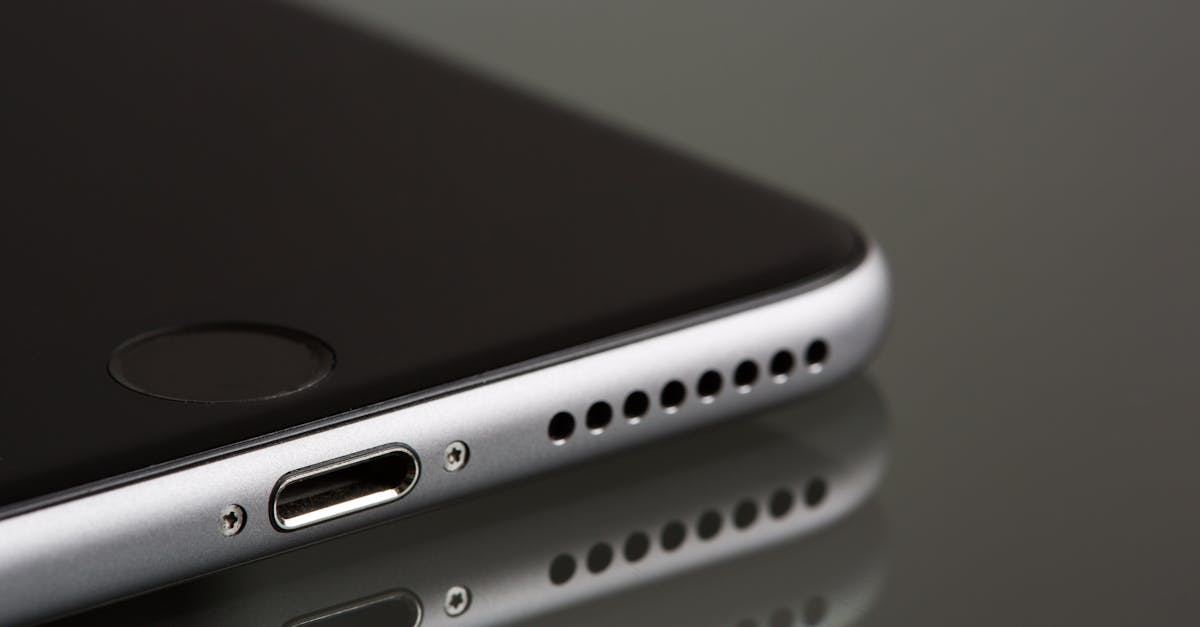
A sleek smartphone close-up highlighting its lightning connector and speaker, reflecting on a surface.
Charging a Wet Device
Connecting power before the device is fully dry may damage internal components.
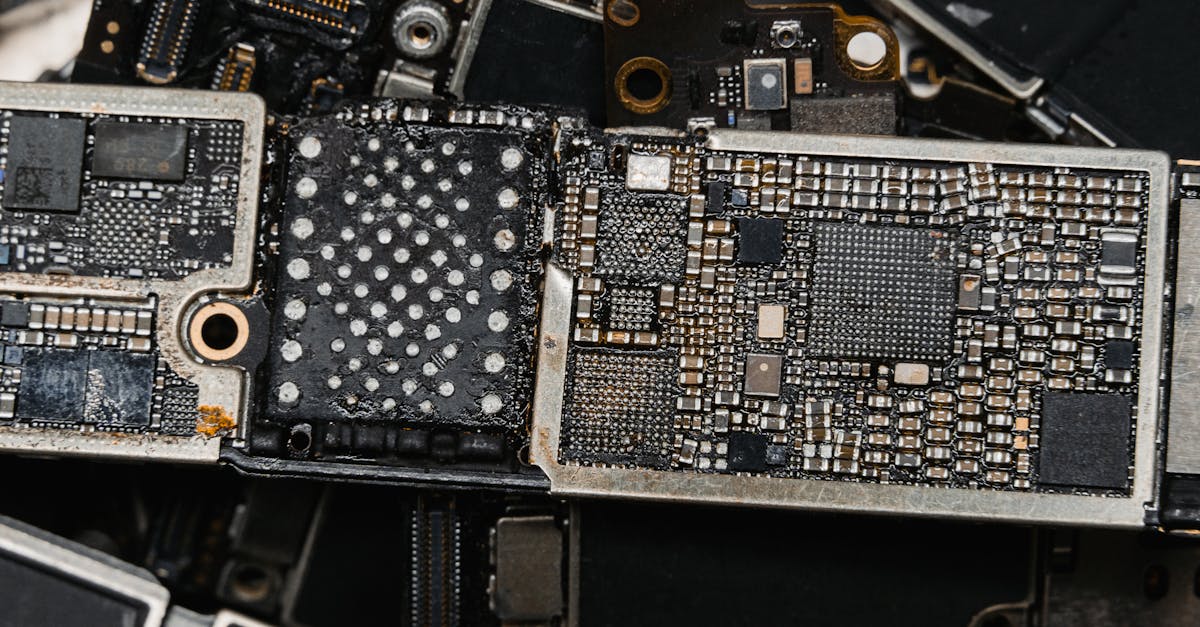
Detailed image of electronic circuit board components, showcasing intricate engineering.
Ignoring Corrosion
Moisture can cause corrosion that spreads over time.
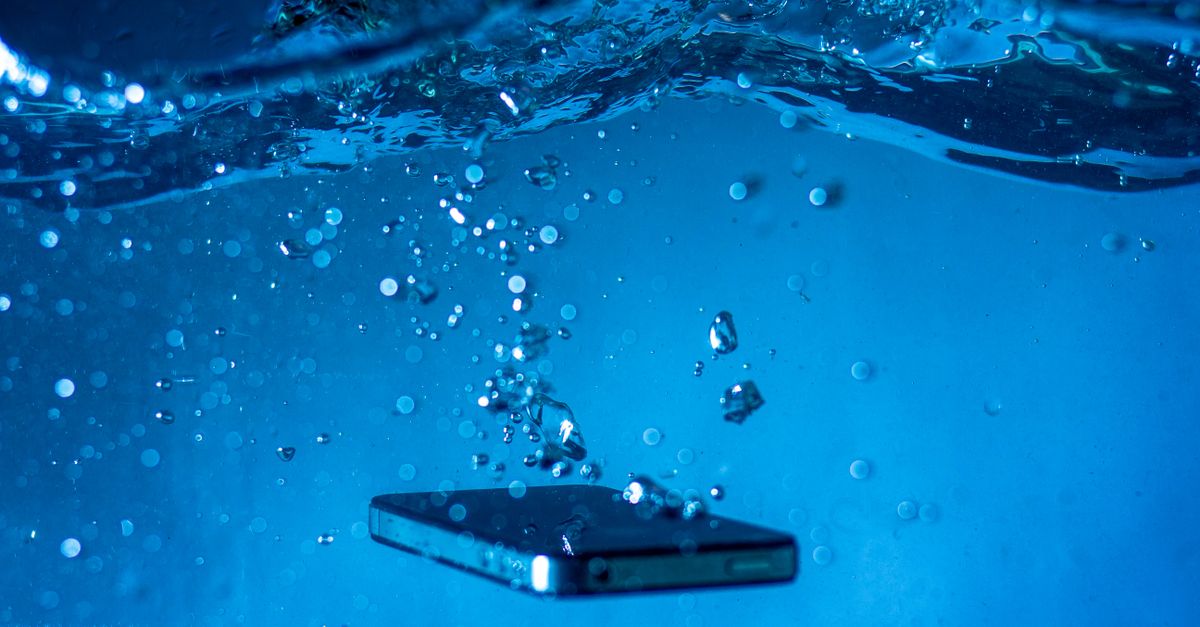
A smartphone submerged in water with bubbles rising around it, showcasing a dynamic underwater scene.
Water Inside Ports
Liquid trapped in charging ports may lead to connection failures.
A silver smartphone placed on a contrasting red and white background captured from above.
Using Rice as a Solution
Rice rarely removes internal moisture and may introduce debris.
Young engineer examining electronic components at a workspace indoors.
Delaying Professional Inspection
Waiting too long reduces the chances of successful recovery.
Close-up of a smartphone charging on a laptop. Ideal for tech themes.
Data Loss Risk
Important files may become inaccessible after liquid exposure.
Hands holding a smartphone with blank screen above a world map, showcasing global travel planning concept.
Hidden Internal Damage
Devices may appear normal while internal damage continues to develop.
Supported Devices

Devices We Support

Papatech helps protect and recover devices affected by liquid exposure. Learn how water damage impacts different electronics and what steps can improve recovery chances.

  • Smartphones
  • Tablets
  • MacBooks
  • Windows Laptops
  • Gaming Consoles
  • External Drives
  • SSDs & HDDs
  • Business Storage Devices
Repair Workflow

Our Repair Process

Responding quickly after water exposure can significantly improve recovery success. Follow these recommended steps to reduce further damage and protect your data.

1. Power Off Device
2. Disconnect Power Sources
3. Remove Excess Moisture
4. Avoid Further Use
5. Professional Inspection
6. Recovery & Testing

Why Choose Papatech

Understanding water damage risks can help prevent permanent device failure and data loss. Papatech provides professional guidance, recovery recommendations, and repair expertise for water-damaged electronics.

  • Early Water Damage Detection
  • Corrosion Prevention Guidance
  • Data Protection Strategies
  • Professional Recovery Advice
  • Preventive Maintenance Tips

What You Get

Learn how to recognize water damage symptoms, respond correctly after liquid exposure, avoid common mistakes, and understand when professional repair may be necessary.

  • Water Damage Symptoms
  • Emergency Response Steps
  • Corrosion Warning Signs
  • Device Protection Tips
  • Data Recovery Awareness
  • Professional Repair Guidance

Need Professional Water Damage Assistance?

If your device has been exposed to water or liquid, acting quickly can help reduce permanent damage and improve recovery chances. Papatech provides professional inspection, recovery guidance, and repair solutions for water-damaged devices.

F.A.Q.

Frequently Asked Questions About Water Damage

Turn off the device immediately, disconnect power sources, and avoid charging or using it until it has been inspected.


Rice is generally not recommended because it does not remove internal moisture and may leave debris inside the device.


Many water-damaged devices can be repaired if professional treatment is performed before severe corrosion develops.


Do not power on the device until it has been thoroughly inspected and dried by a professional.


Yes. Water exposure can damage storage components and make important files inaccessible.


Charging issues, overheating, random shutdowns, and display problems are common signs of corrosion.

In many cases, both iPhones and MacBooks can be repaired and data may be recoverable depending on the extent of damage.

Costs vary depending on the device, affected components, and recovery requirements.

Immediately after liquid exposure. Early intervention significantly improves recovery success.

Related Articles

Hello world!

Welcome to Astra Starter Templates. This is your first post. Edit or delete it, then start blogging!...

Hello world!

Welcome to WordPress. This is your first post. Edit or delete it, then start writing!...

Ready to Repair Your Device?

Contact Papatech today for professional diagnostics, repair recommendations, and trusted repair services for smartphones, tablets, laptops, game consoles, and other electronic devices.