Need Professional Repair Help?
While some issues can be diagnosed at home, severe hardware damage and advanced repairs should be handled by experienced technicians.

Learn about common device problems, troubleshooting steps, repair tips, and maintenance guides for iPhone, MacBook, and other electronics.
Helpful troubleshooting guides and repair education resources for common device problems and repair situations.







Understanding common device problems can help reduce repair costs, prevent data loss, and improve device lifespan.
Lorem ipsum dolor sit amet, consectetur adipiscing elit. Ut elit tellus, luctus nec ullamcorper mattis, pulvinar dapibus leo.
While some issues can be diagnosed at home, severe hardware damage and advanced repairs should be handled by experienced technicians.
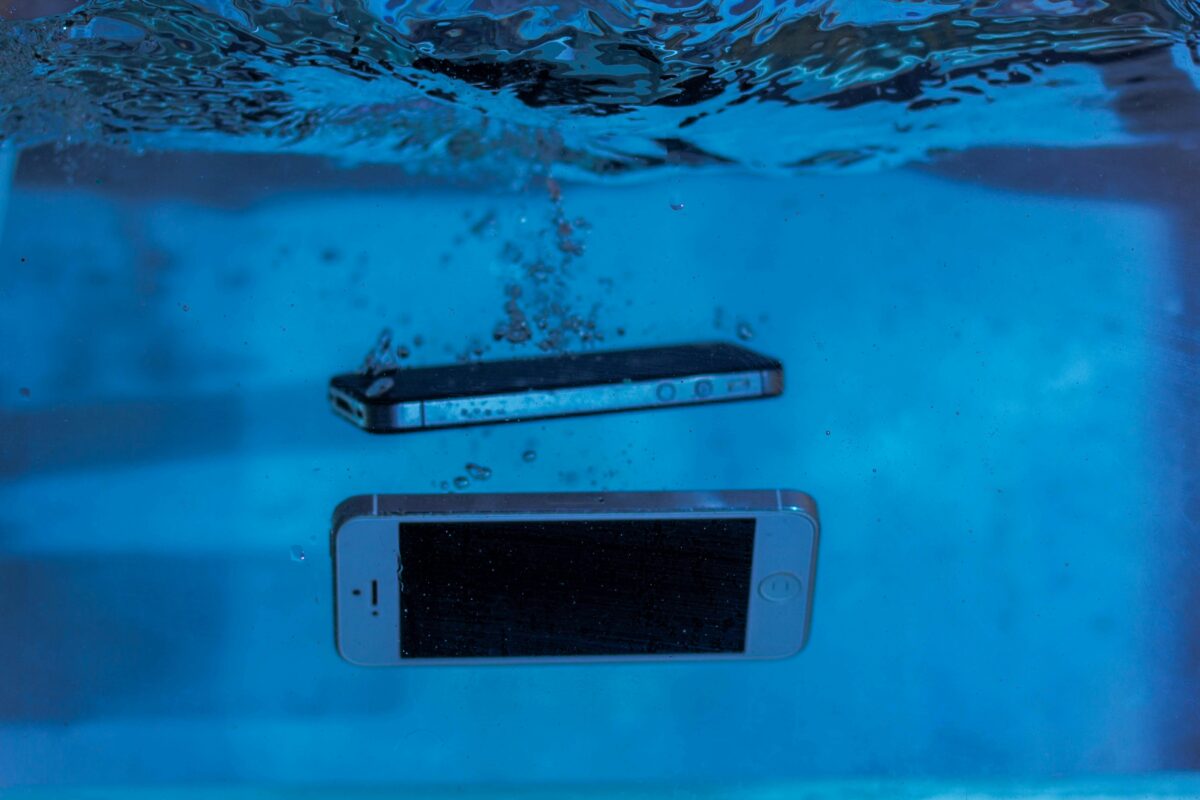
Turn off the device immediately, avoid charging it, and keep it away from heat sources. Professional diagnostics should be performed as soon as possible to reduce corrosion damage.
Overheating may be caused by battery degradation, charging issues, heavy app usage, or internal hardware problems.
Black screen problems can result from display damage, motherboard issues, software crashes, or battery failures.
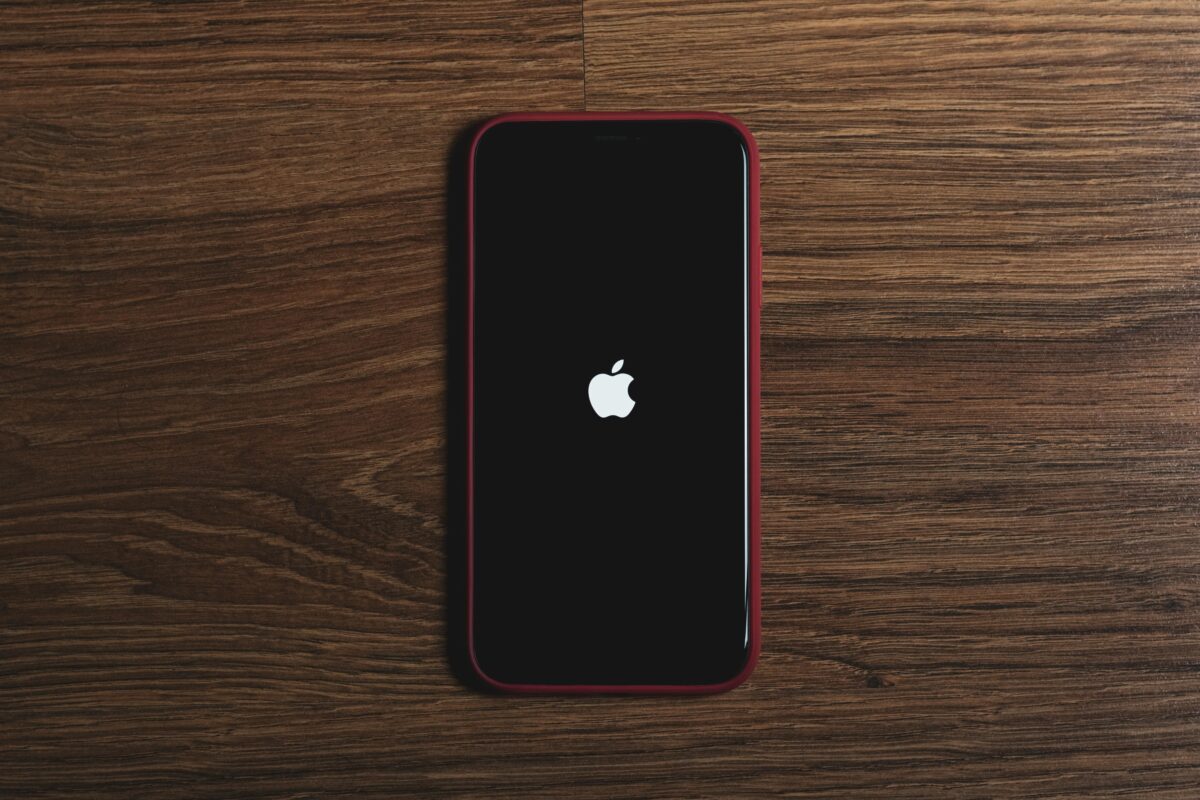
Repeated restarting may be caused by software corruption, battery problems, storage issues, or motherboard damage.
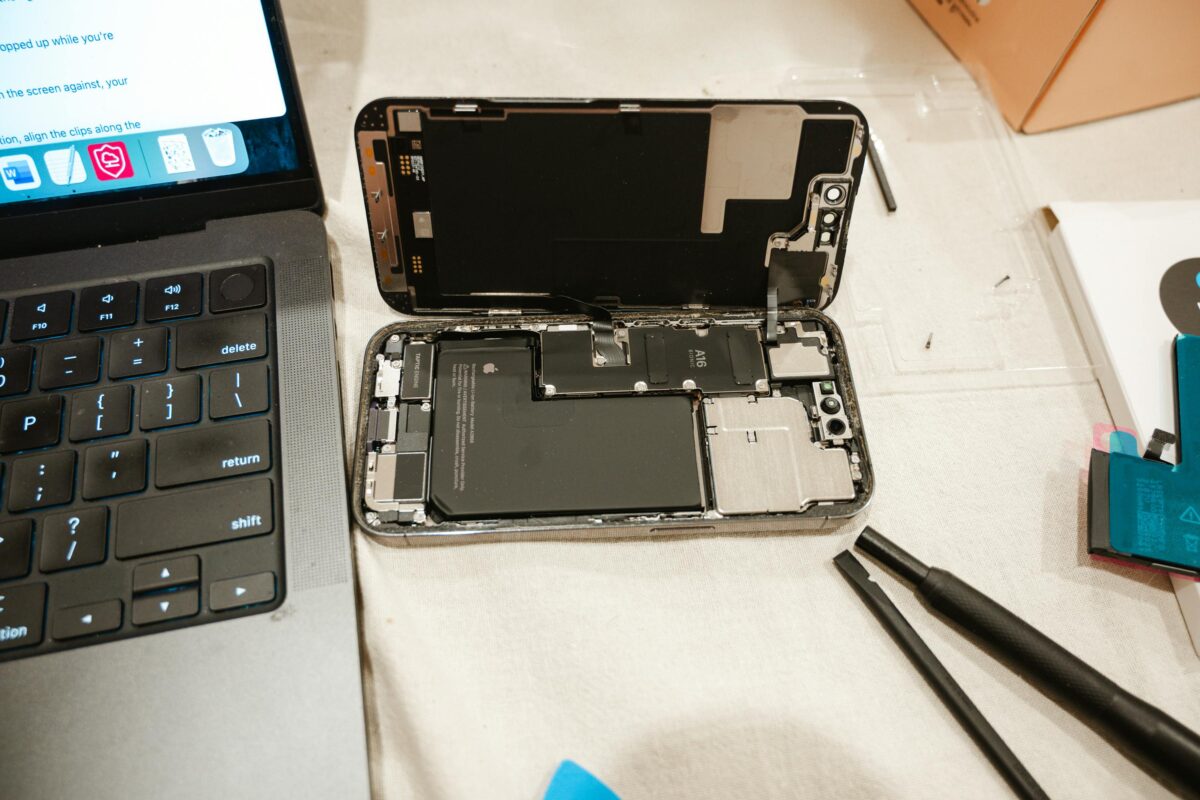
Simple maintenance may be safe, but advanced repairs can risk permanent damage, data loss, or component failure without proper tools and experience.
Avoid excessive heat, use reliable chargers, and maintain healthy charging habits to improve long-term battery performance.
Professional repair is recommended for liquid damage, motherboard issues, charging failures, display problems, and data recovery situations.